Virtual fitting room
A virtual fitting room on your phone
TryOnU works like a fitting room for online shopping: instead of guessing from a model photo, you see the product on your own photo, compare several options side by side, and buy only what you like, from the original store.
Real try-on, real products
A kids' winter look, before and after
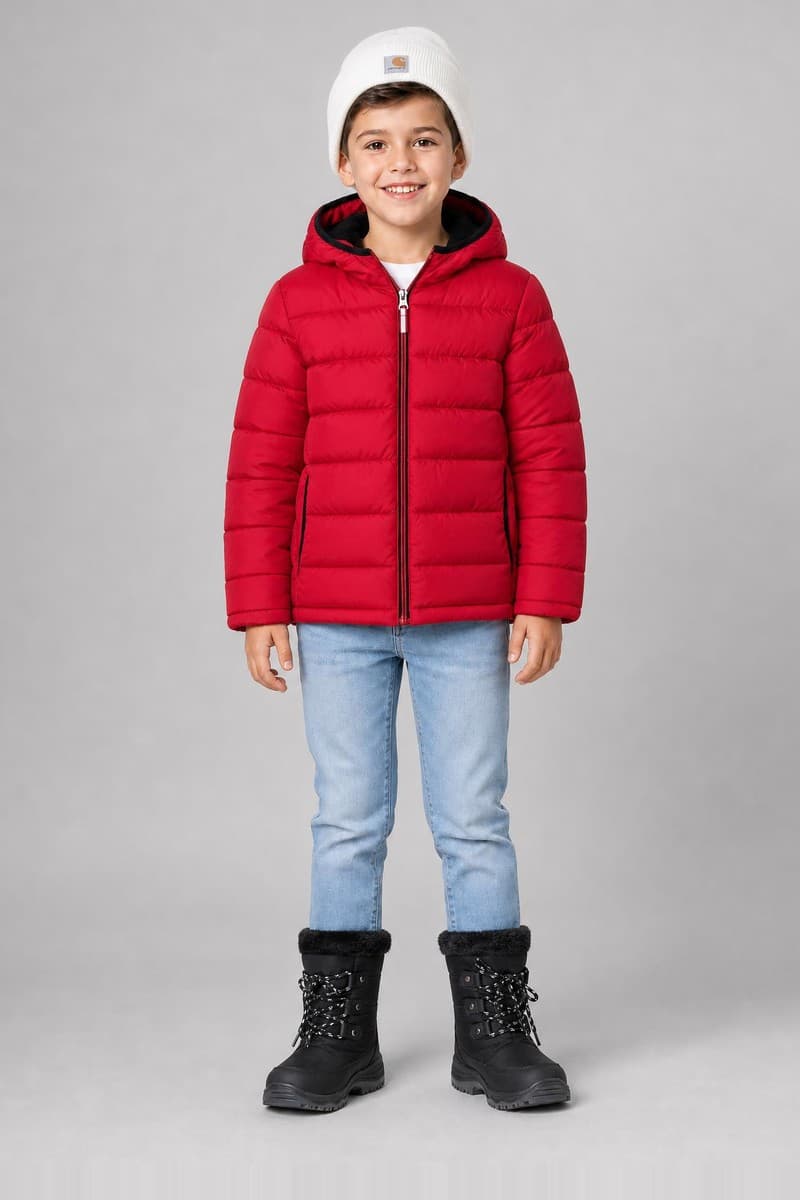
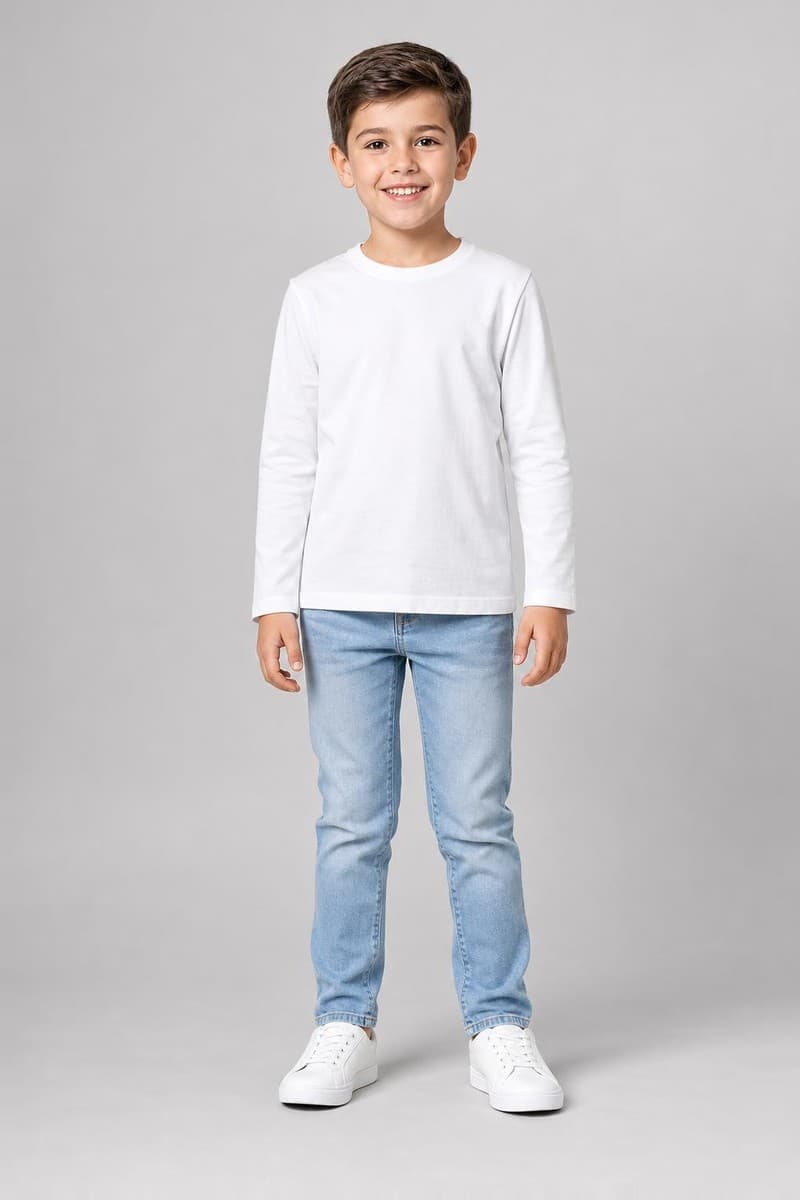
In this look
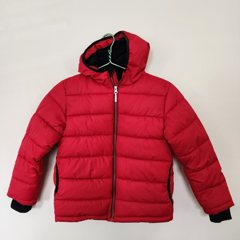 Red hooded puffer jacket$10.99 eBay
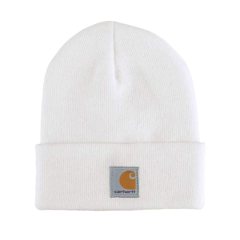 Carhartt kids knit beanie$29.99 eBay
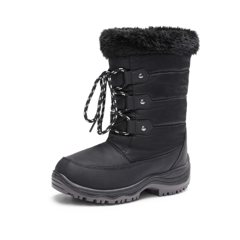 Waterproof winter snow boots$24.99 eBay
A real TryOnU try-on of real shop products, shown on an AI-generated model. Prices come live from the shops.
Try it on yourselfWhy use TryOnU
Fewer wrong orders
Compare options
Works anywhere
How it works
- 1
Add your photo
One clear photo of you, standing and facing the camera. You do this once.
- 2
Pick or describe
Choose a product, or tell the AI Stylist what you want in your own words.
- 3
See it on you, then buy
In under a minute you see yourself wearing it. Shop now opens the original store.
Questions
How accurate is a virtual try-on?
The picture is made with AI and is a strong preview of how a product looks on you, but fit, size and colour can differ in real life. Always check the store's size chart before you buy.
What photo should I upload?
One clear, well-lit photo of you standing and facing the camera, ideally full body, with no filters. A back or side photo is optional and helps with some outfits. You upload it once and reuse it for every try-on.
Where can I buy an outfit after trying it on?
On TryOnU every product in your look has a Shop now button that opens the original store's product page, such as eBay, AliExpress, a brand's own shop or a local shop on TryOnU, where you buy it directly. TryOnU never sells the product itself, and you pay the store's normal price.
Is my photo safe?
Your photos are used only to make your try-ons. TryOnU does not sell them or use them to train its own AI, nothing is shared unless you choose to share it, and you can delete your photos at any time.
More answers in the TryOnU FAQ.